
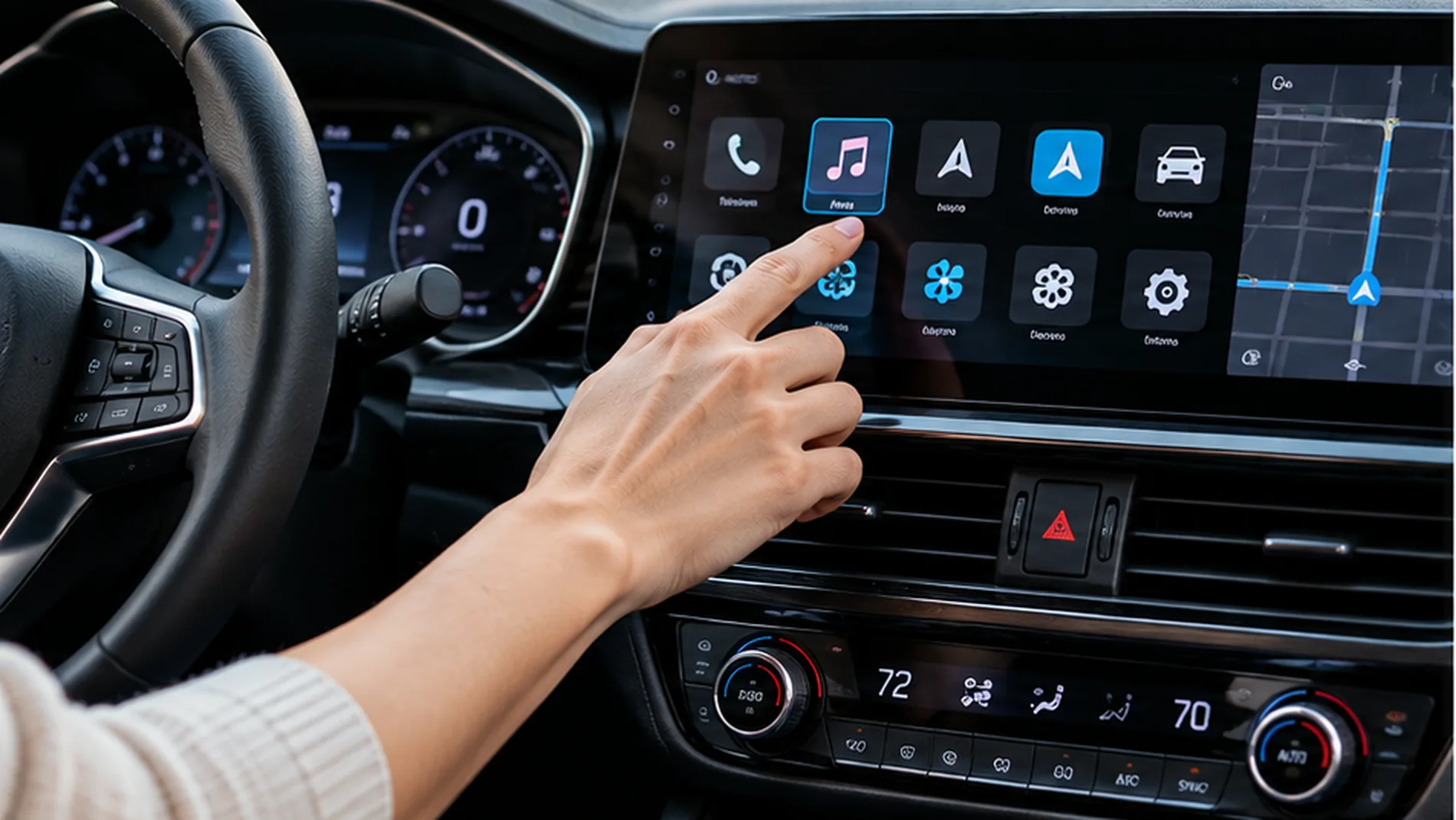
A modern dashboard can look like a smartphone on wheels. Large touchscreens now manage navigation, music, air conditioning, vehicle settings, and sometimes even basic driving functions. But as automakers replace familiar switches with digital menus, a safety question is gaining attention: can car touchscreen distraction contribute to crashes?
In October 2026, two major developments brought this debate into focus. Euro NCAP published new safety-test results emphasizing physical controls, while Allianz released extensive research into distraction inside digital cars. Together, they point toward a shift in vehicle design: convenience matters, but drivers should not have to search through menus to perform an essential task.
Why Car Touchscreen Distraction Is Trending in 2026
On October 21, 2026, Allianz released its research on driver distraction, drawing on more than 34,000 crash cases, eye-tracking studies, simulated driving, an international survey, and previous scientific work. Its findings linked distraction to roughly one in three crashes examined. That figure covers distraction broadly, not just touchscreen use, and should not be interpreted as saying screens caused one-third of all crashes.
The study also found that the same in-car task could demand substantially different levels of visual attention depending on the vehicle’s cockpit design. That matters because not all screens, menus, or voice-control systems are equally easy to use.
Days earlier, Euro NCAP’s October 12 safety assessment highlighted vehicles that retain direct physical controls for essential functions. These developments made dashboard usability a major accident-prevention topic, rather than simply a matter of personal preference.
How Touchscreens Can Distract a Driver
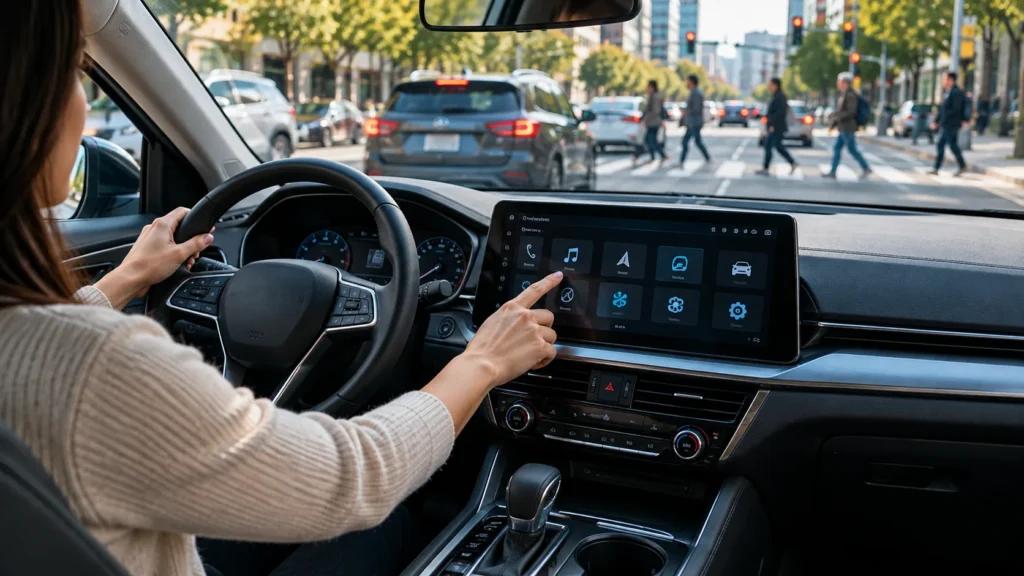
Distraction is not limited to texting or using a handheld phone. Looking down to find the fan-speed setting or navigating several touchscreen menus can also divert attention away from driving. The National Highway Traffic Safety Administration includes entertainment and navigation systems among activities that can distract motorists.
Three Types of Attention Can Be Affected
- Visual distraction: Looking at the display instead of traffic, signals, cyclists, or pedestrians.
- Manual distraction: Reaching toward the screen and taking a hand away from steering.
- Cognitive distraction: Concentrating on menus, settings, or instructions rather than the developing road situation.
A driver might spend only a moment finding the correct button. But if the system requires several taps, the total time spent glancing away can increase. The problem is especially serious when traffic conditions change suddenly.
Why Physical Buttons Are Making a Comeback
Physical controls provide tactile feedback. When a driver knows the location and feel of a button or dial, it may be possible to make a small adjustment without carefully studying a menu. A touchscreen generally requires more visual confirmation, particularly when its icons move or controls are buried in submenus.
Under its updated 2026 testing protocols, Euro NCAP rewards direct operation of core functions, including indicators, wipers, hazard lights, the horn, and emergency calling. The organization praised the Audi Q7 and Kia EV2 for accessible controls while noting that the XPENG X9 relied heavily on its center screen for primary functions. Importantly, the X9 still earned a five-star overall safety rating; its interface score was only one part of a broader assessment.
These are European consumer safety ratings, not a new United States law requiring every car to have buttons. Still, safety ratings can influence vehicle engineering, consumer expectations, and future design decisions.
What Research Says About Screens Versus Switches
The concern has evidence beyond customer complaints. An August 2026 research paper comparing touchscreen and physical controls found greater distraction with touchscreens and poorer task and driving performance when activities required more than one interaction. The findings underscore why the number of steps and the location of controls matter.
Earlier research by the AAA Foundation for Traffic Safety also documented the visual and mental workload involved in operating infotainment systems. In its study of 30 model-year 2017 vehicles, navigation entry was particularly demanding. Although those vehicles were older, the basic safety principle remains relevant: complex tasks should be completed before driving whenever possible.
Newer owner feedback points in the same direction. The 2026 J.D. Power U.S. Initial Quality Study reported that, among owners describing a vehicle-related distraction problem, 46% identified the infotainment system or touchscreen as the source.
Are All Car Touchscreens Unsafe?
No. A well-designed display can make information easier to understand, especially for maps, parking cameras, vehicle status, and warnings. The more useful question is whether the driver can operate necessary functions quickly, predictably, and with minimal eyes-off-road time.
Screen size alone is not a reliable safety measure. Simple menus, large controls, permanent shortcuts, clear feedback, and sensible voice functions may reduce distraction. Conversely, placing wiper settings or climate adjustments several layers deep can make routine tasks unnecessarily complicated.
The goal is not to eliminate technology. It is to ensure that the technology serves the driving task rather than competing with it.
How Touchscreen Distraction Could Matter After a Crash
If a driver runs a red light, fails to brake, or drifts out of a lane, investigators may document the visible driving error without knowing what caused it. A touchscreen interaction could be one possibility, but it should not be assumed without supporting evidence.
Crash evidence may include the police report, witness accounts, dashcam video, nearby surveillance footage, vehicle data, and the physical scene. Depending on the car and the circumstances, investigators may also review information about electronic systems or ask whether a driver was adjusting a display immediately before impact.
Our article on why cellphone distraction is missing from crash reports explains how difficult it can be to establish a driver’s activity moments before a collision. The same general evidentiary challenge can arise with in-car screens.
For more about preserving video, see our guide to dashcam evidence in personal injury cases. Footage can help show timing and vehicle movement, but a recording alone may not establish what someone was looking at or prove the cause of a crash.
Can Driver-Assistance Systems Solve the Problem?
Automatic emergency braking, forward-collision warnings, and driver-attention alerts can provide useful protection, but they are not substitutes for watching the road. A warning may arrive too late, and some features perform differently in poor visibility or complex traffic conditions.
The Insurance Institute for Highway Safety describes crash-avoidance technology as an important potential safeguard against distraction, while still emphasizing the risks of diverted attention.
Our related post on AI dashcams and smart accident detection covers how connected safety tools can recognize hazards and preserve footage. Even sophisticated technology works best when the driver remains actively engaged.

Practical Ways to Reduce Touchscreen Distraction
Drivers do not need to wait for manufacturers to redesign their dashboards. Several simple habits can reduce the temptation to interact with screens on the move.
- Set navigation before departure. Choose your route, stops, and audio before moving.
- Learn essential controls. Locate the hazard lights, windshield wipers, defroster, and emergency functions in a parked vehicle.
- Use simple shortcuts. Save frequently used settings rather than navigating multiple menus.
- Pull over for complicated tasks. Make longer adjustments only after parking safely.
- Limit notifications. Use driving-focus settings to reduce alerts and unnecessary screen activity.
- Keep software updated. Updates may improve interface reliability, though drivers should review changed controls before a trip.
What to Look for When Choosing a New Vehicle
A short test drive may not reveal whether a cockpit is easy to use during rain, darkness, or heavy traffic. Before buying, evaluate basic functions while parked. Can you activate the defroster immediately? Are wiper and lighting controls easy to locate? Can the climate setting be changed without hunting through menus?
Check whether alerts are clear without being overwhelming, whether the main display remains legible in sunlight, and whether there are practical physical shortcuts. Also compare a vehicle’s overall safety ratings rather than treating one touchscreen feature as a complete measure of crash risk.
For production teams and professional drivers, this check is particularly valuable. Anyone operating an unfamiliar rental vehicle, camera car, shuttle, or support vehicle should review its controls before entering traffic. The site’s guide on road accidents on film sets offers further context on why driving procedures matter in production environments.
The Bottom Line
Car touchscreen distraction is becoming an important road-safety conversation in 2026 because the evidence is shifting from inconvenience to measurable driver attention. New Allianz findings, Euro NCAP assessments, and independent research all suggest that essential controls should be quick to reach and easy to operate.
Touchscreens are not automatically dangerous, and physical buttons do not prevent every mistake. The safest design combines useful technology with controls that let drivers keep their eyes and attention on the road. Until every cockpit achieves that balance, drivers can reduce risk by setting up their systems before moving and leaving complicated adjustments for a safe stop.